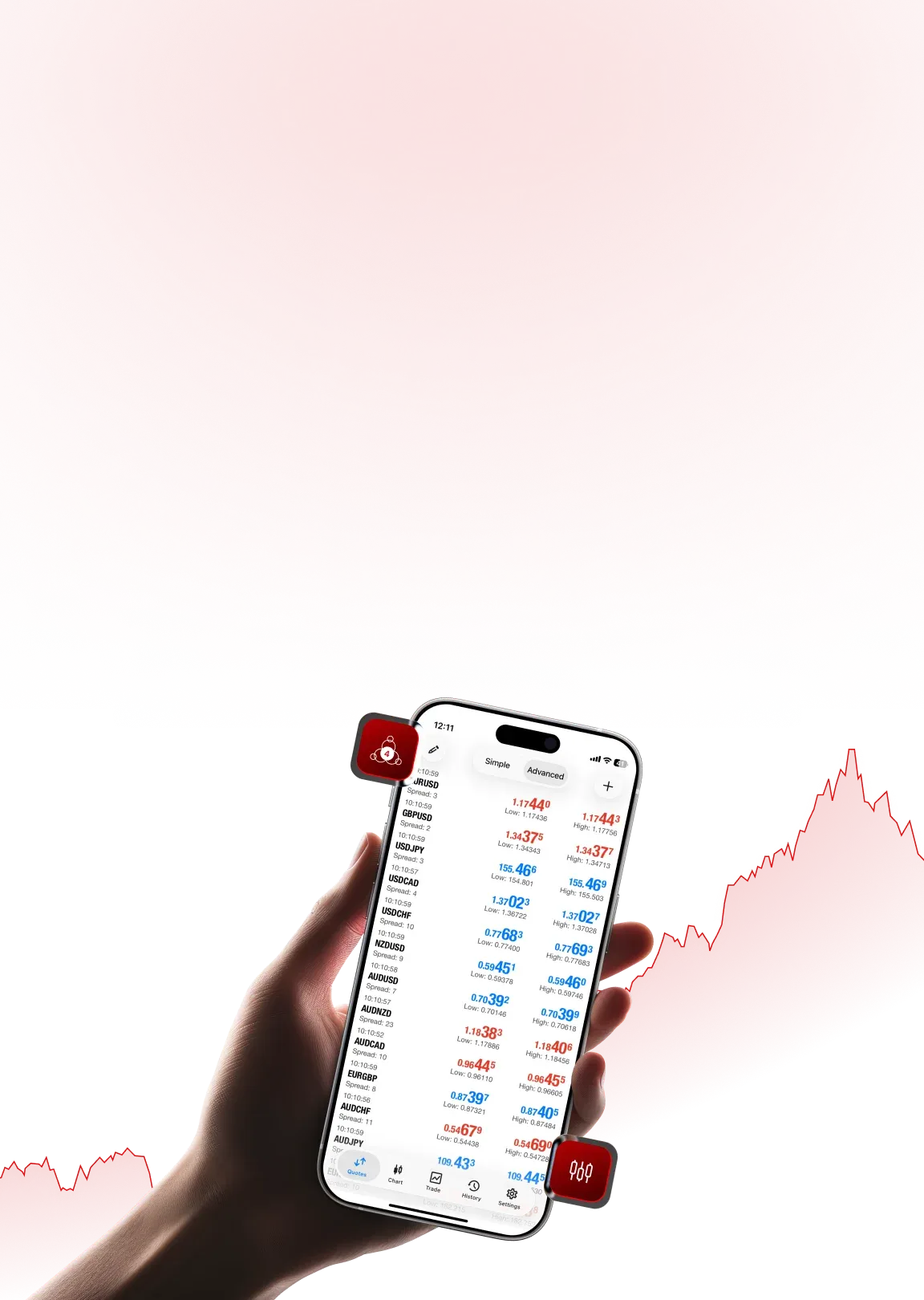


Benefits of Using MT4
 Easy-to-use interface
- Lightweight and fast execution
- Massive community support
- Works with most top forex brokers
- Ideal for day trading and scalping

MetaTrader 4 (MT4)
A Powerful Forex & CFD Trading Platform
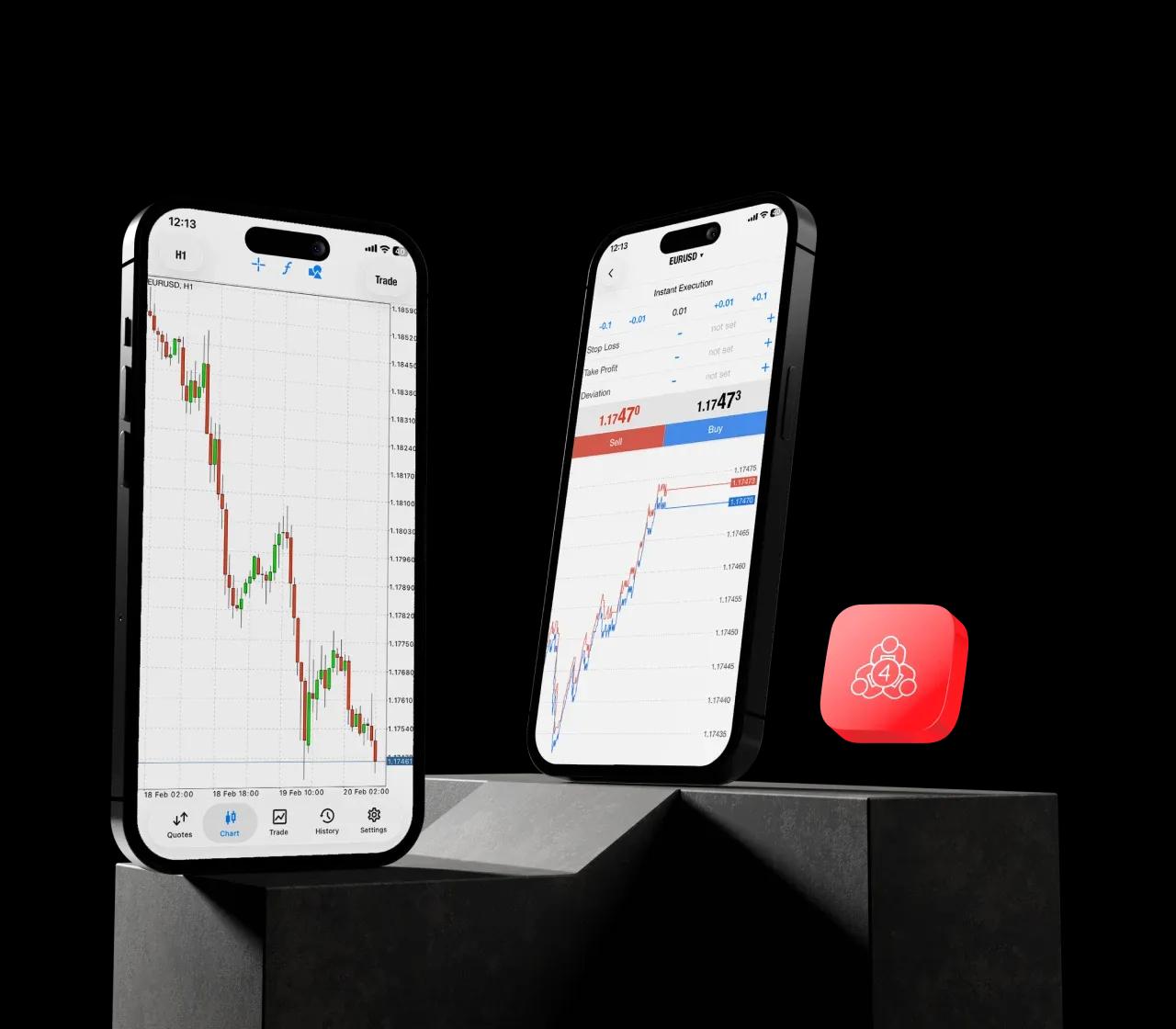
MetaTrader 4 or MT4 is an online trading platform developed by MetaQuotes that allows traders to access the financial markets through a forex broker platform. It does not execute trades itself but connects traders to the global financial markets through its award-winning forex trading platform.
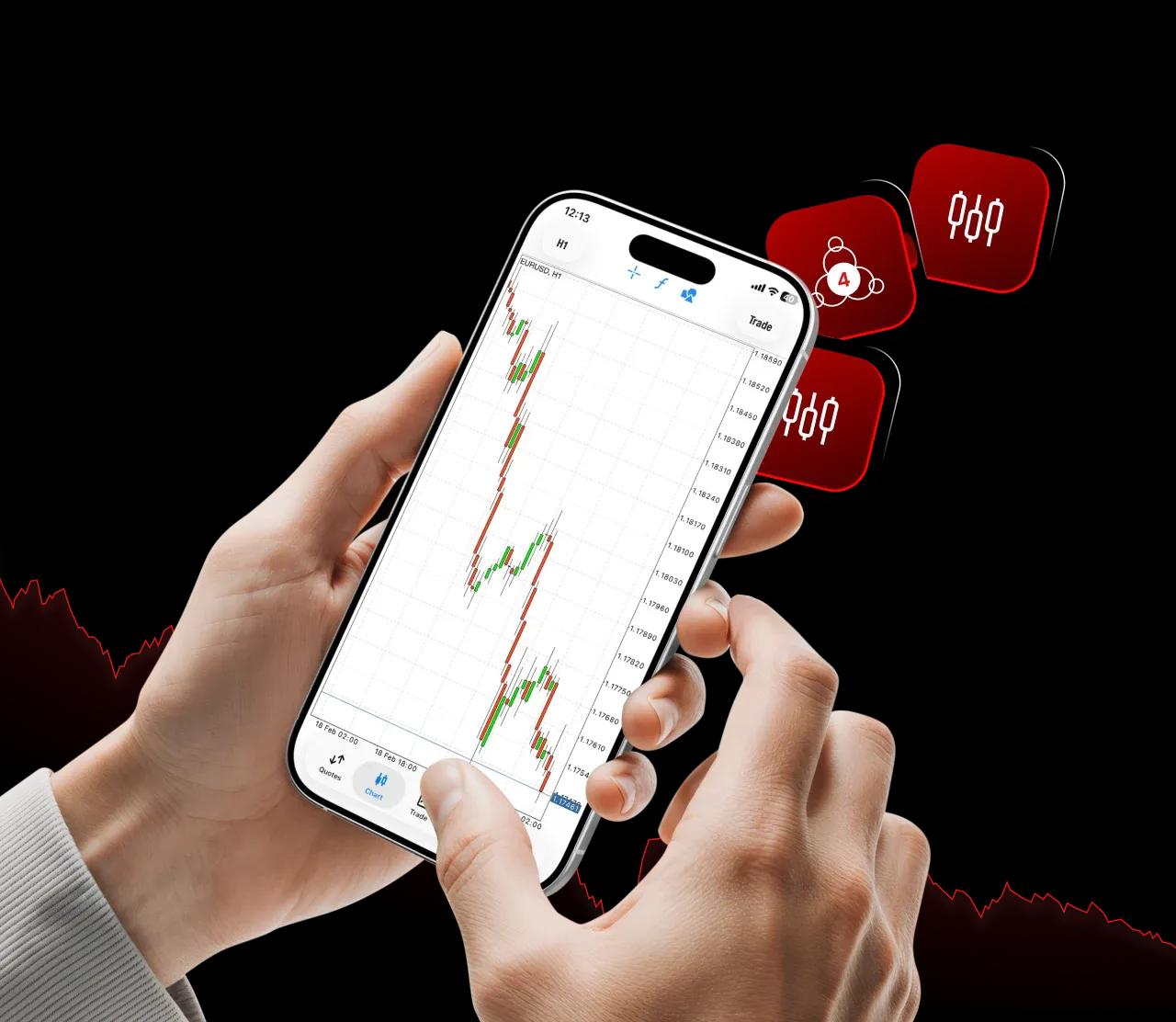
MT4 is especially popular for:
Forex and CFD TradingReliability and PerformanceAdvanced Technical Analysis and ChartingDay Trading and Strategy-Based TradingBuilt for Beginners and ExpertsMarkets Available on MT4
Through a supported broker, MT4 enables trading in:

Foreign exchange (forex)

CFDs on indices (US30, NASDAQ, etc.)

CFDs on Commodities like gold and oil

Some stocks (as CFDs)
❗Important Note: Asset availability depends entirely on the forex broker or online trading broker you choose.
Key Features of MT4 Trading Platform
Advanced charting with multiple timeframesBuilt-in technical indicatorsCustom indicators and scriptsAutomated trading via Expert Advisors (EAs)One-click trading for fast executionSecure and stable trading environmentThese features make MT4 one of the best forex trading platforms for both manual and automated trading.
MT4 for Automated &
Algorithmic Trading
MT4 supports algorithmic trading through MQL4, allowing traders to:
Build custom trading strategiesRun automated botsBacktest trading strategiesThis is one reason MT4 remains the best trading platform for beginners and experienced traders alike.
MT4 Vs MT5
| MT4 | MT5 |
|---|---|
Built for forex and CFD trading. Still the industry standard for forex brokers and retail traders. | Designed as a multi-asset platform – supports forex, stocks, futures, options, and bonds. |
30 built-in indicators, 9 timeframes, basic economic calendar. | 38+ indicators, 21 timeframes, more drawing tools, and an embedded economic calendar. |
Basic charts, enough for most retail traders. | More chart types (renko, tick, range), more graphical objects, and better visual customization. |
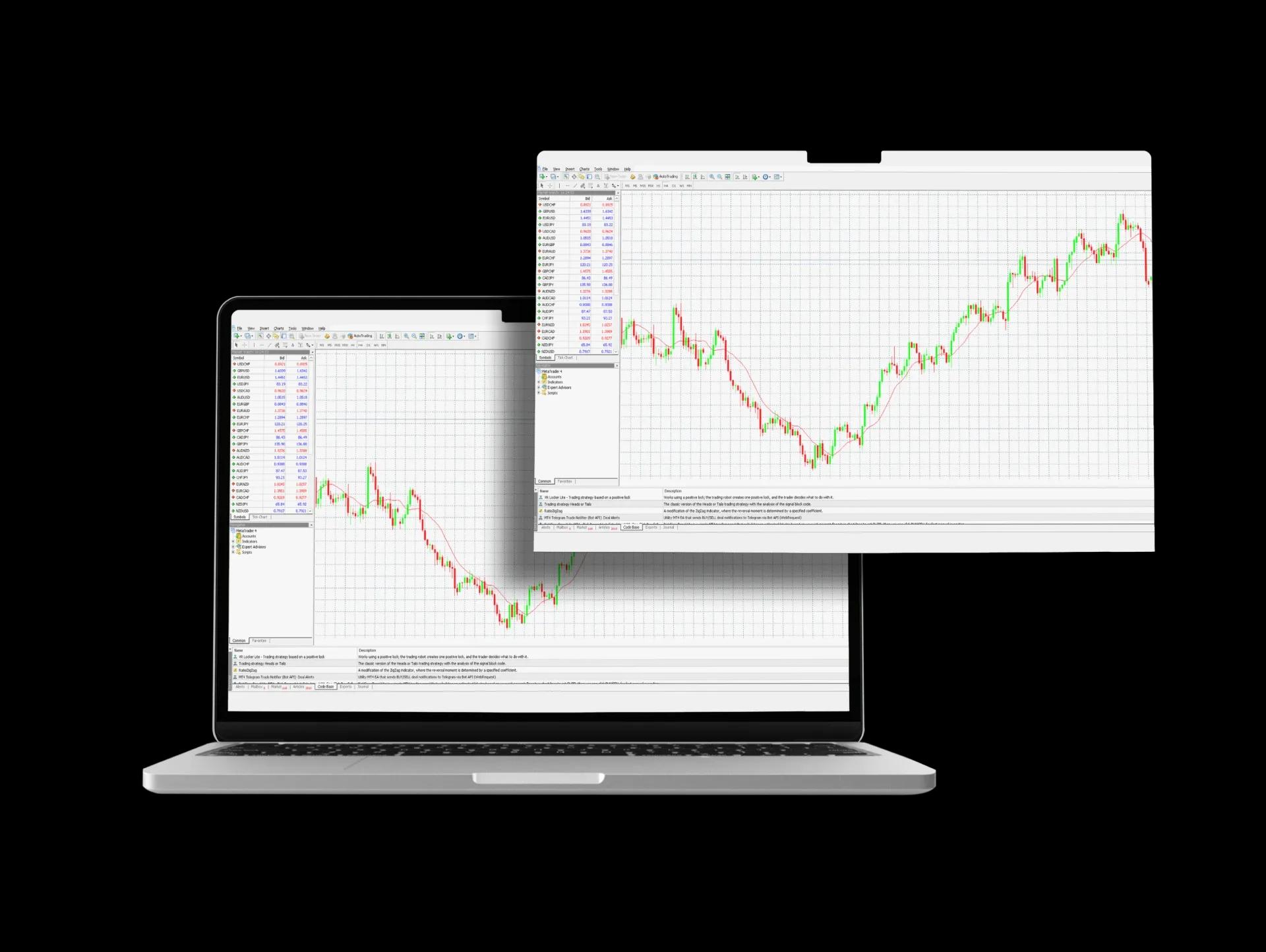
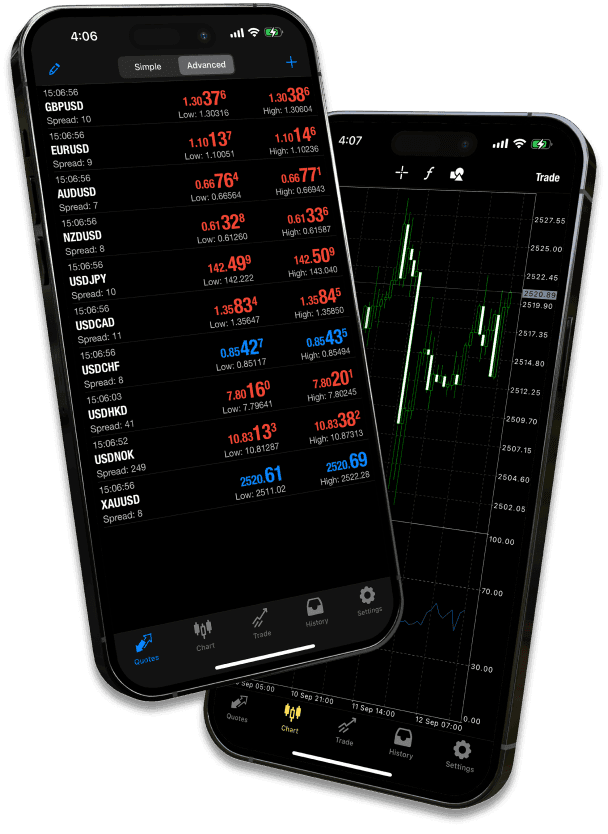
MT4 is available across devices:








 Easy-to-use interfaceLightweight and fast executionMassive community supportWorks with most top forex brokersIdeal for day trading and scalping
 Forex-focused tradersBeginners entering online tradingTraders using EAs and automated strategiesTraders looking for a good trading platform with low system requirements
Frequently Asked Questions (MT4)

Yes, MetaTrader 4 (MT4) is completely free to download and use. You can install the desktop, web, or mobile platform at no cost. The only requirement is funding a live trading account with a broker, which involves your own capital and standard trading fees (like spreads or commissions).
Absolutely, despite being older, MT4 remains one of the most widely used platforms in the world, especially for forex and CFD trading. Its stability, vast library of custom indicators and Expert Advisors (EAs), and deep community support ensure its continued relevance for retail traders.
MT4 is not only for forex. While built for the forex market, most brokers also offer stock, index, and commodity trading through CFDs (Contracts for Difference) on MT4. This means you can trade the price movements of assets like Apple, Gold, or the S&P 500 without owning the underlying asset.
Yes, you can download the MT4 platform from app stores or MetaQuotes' website without a broker. However, to access live markets and trade, you must open and log in with an account from a supported broker. You can use a demo account from any broker to practice without a live account.
Yes, MT4 is a popular choice for day traders due to its fast execution, one-click trading option, customizable charts, and support for automated trading (EAs). Its lightweight design and reliability make it suitable for scalping and short-term strategies. However, ensure your broker offers tight spreads and stable servers.
You don’t open an MT4 account directly in the app. Follow these steps:
Follow this quick start guide:

Join our growing community of traders and investors today

Awards and Recognitions
Awards that Validate our Commitment to Excellence