

Benefits of Using MT5
 Access to more asset classes
- Advanced technical analysis tools
- Built-in trading signals and copy trading
- Ideal for day trading and swing trading
- Used by many top online trading brokers

MetaTrader 5 (MT5)
Advanced Multi-Asset Trading Platform
MetaTrader 5 is a multi-asset trading platform developed by MetaQuotes. Unlike MT4, MT5 supports a broader range of markets and is often used by brokers offering:
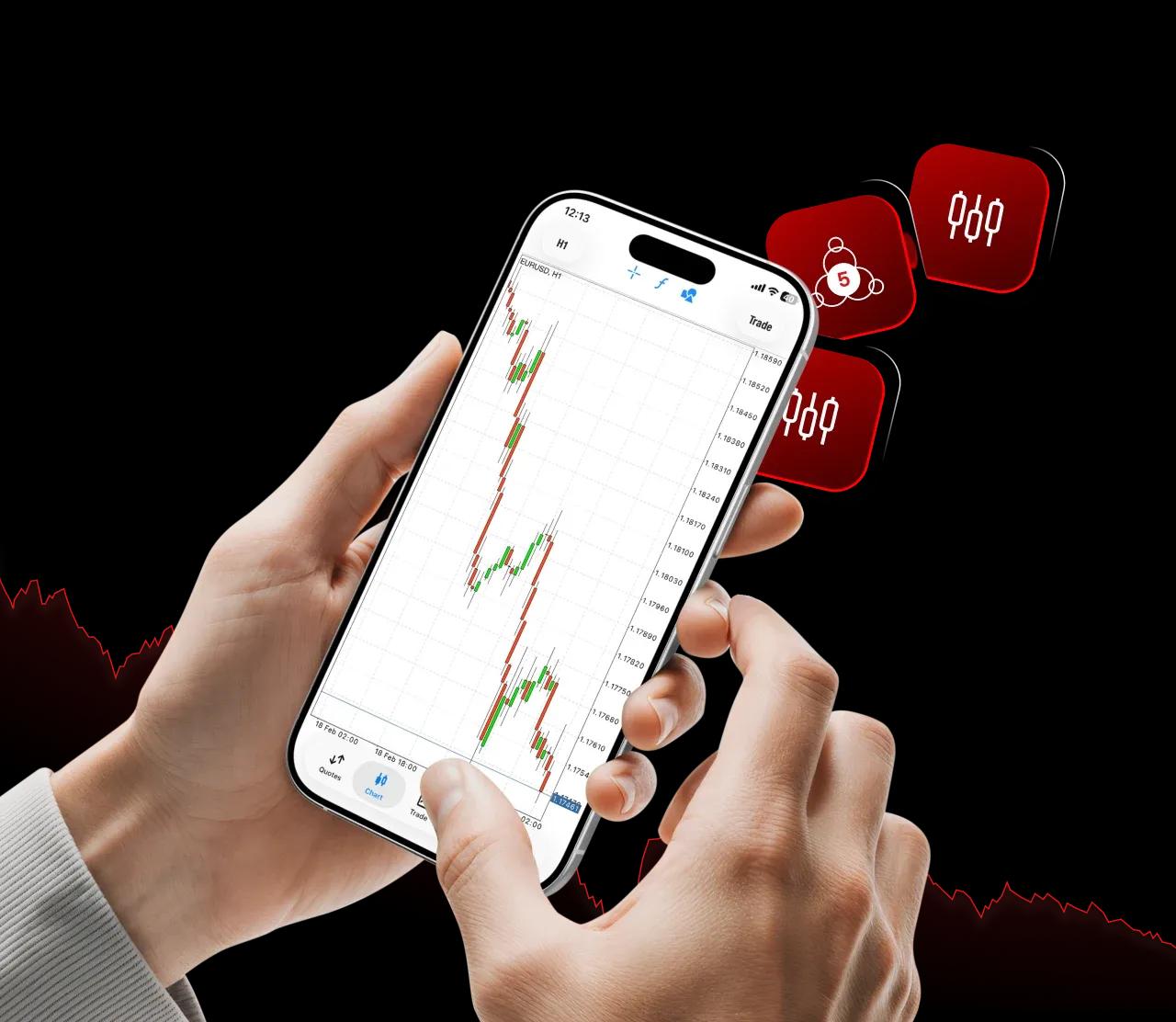 ForexStocksFutures tradingIndices and CommoditiesCFDs
Online brokerage companies and forex trading brokers offer MT5 platforms to their traders and investors, giving them exposure to all the leading financial markets under one roof.
Markets Available on MT5
Depending on your broker, MT5 supports:

Forex trading

Futures trading

Exchange-traded instruments (broker-dependent)

Stock trading platforms

CFDs on indices and commodities
This makes MT5 suitable as both a forex trading platform and a platform for stock trading.
Key Features of MT5 Trading Platform
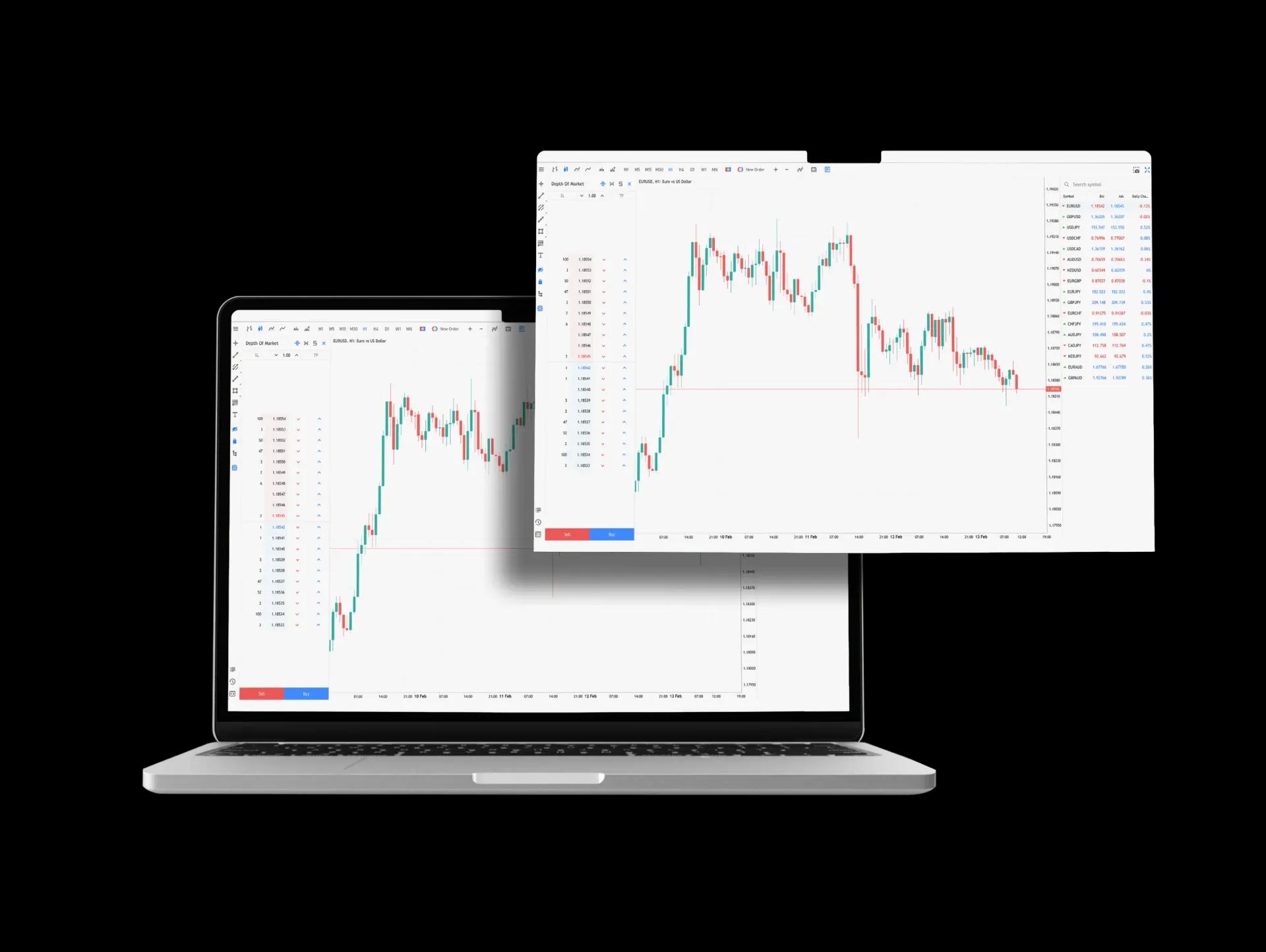
21 timeframes and advanced chartingMore pending order types than MT4Built-in economic calendarDepth of Market (DOM)Faster strategy testingImproved order executionThese features position MT5 as the best online trading platform for professional and institutional-style trading.
Algorithmic Trading
with MQL5
MT5 uses MQL5, a more powerful programming language than MQL4. Traders can:
Create advanced trading botsRun multi-threaded strategy testingAccess the MQL5 marketplace and signalsUse social trading featuresAccess to more asset classesAdvanced technical analysis toolsBuilt-in trading signals and copy tradingIdeal for day trading and swing tradingUsed by many top online trading brokers Traders who want forex + stocks + futuresAdvanced and professional tradersTraders using institutional trading platformsUsers seeking the best trading platform for beginners with long-term scalability
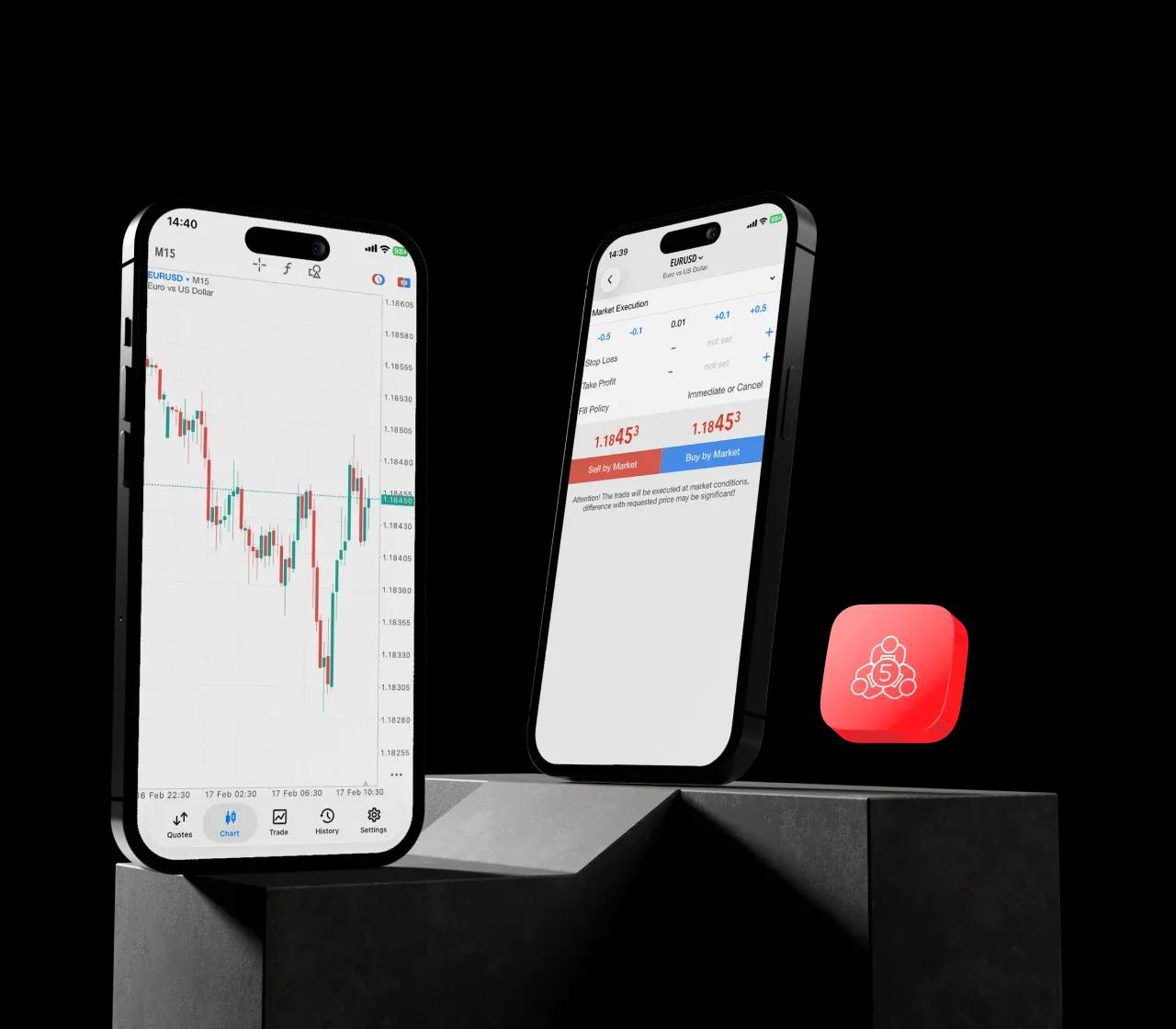
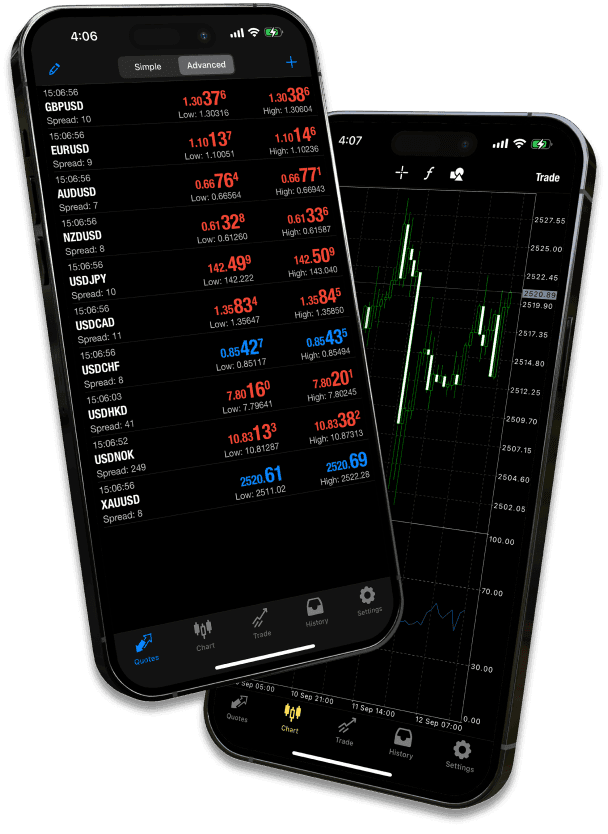
MT5 is available across multiple devices:








Frequently Asked Questions (MT5)

Yes, MetaTrader 5 (MT5) is completely free to download as a desktop, web, or mobile application from your broker's website, app stores, or the official MetaQuotes website. There is no license fee for traders. You only need to fund a live account with a broker to trade with real money.
Yes, one of MT5's key advantages is its built-in support for multi-asset trading. Beyond forex and CFDs, many brokers offer direct access to exchange-traded stocks, bonds, and futures on MT5, unlike MT4, which primarily offers these as CFDs. Check your broker's specific instrument list.
"Better" depends on your needs. MT5 is technologically superior, but MT4 remains dominant for forex.
Choose MT5 if you need:
MT4 is still preferred if:
MT5 suits both, but for different reasons:
Beginners may appreciate the clearer visual design, more built-in tools (like an economic calendar), and depth of market data.
Professional/Advanced Traders benefit from its superior backtesting speed, more order types, and true multi-asset capabilities. Its learning curve is slightly steeper than MT4's.
Yes. MT5 has a built-in social/copy trading feature called "Signals." You can browse thousands of signal providers directly within the platform, analyze their performance history, and subscribe to automatically copy their trades into your account with a single click. This is more integrated than on MT4.
The key reason is if you need more than basic forex/CFD trading. Upgrade if you:
Trade multiple asset classes (stocks, futures) on one platform.

Join our growing community of traders and investors today

Awards and Recognitions
Awards that Validate our Commitment to Excellence